Show the sequence.
See nine still frames around one forehand, backhand, serve, or volley.
Turn a short tennis clip into a more useful starting point. The pilot isolates nine frames and, when AI review is active, translates visible movement into one clear practice priority and a question to take to your coach.
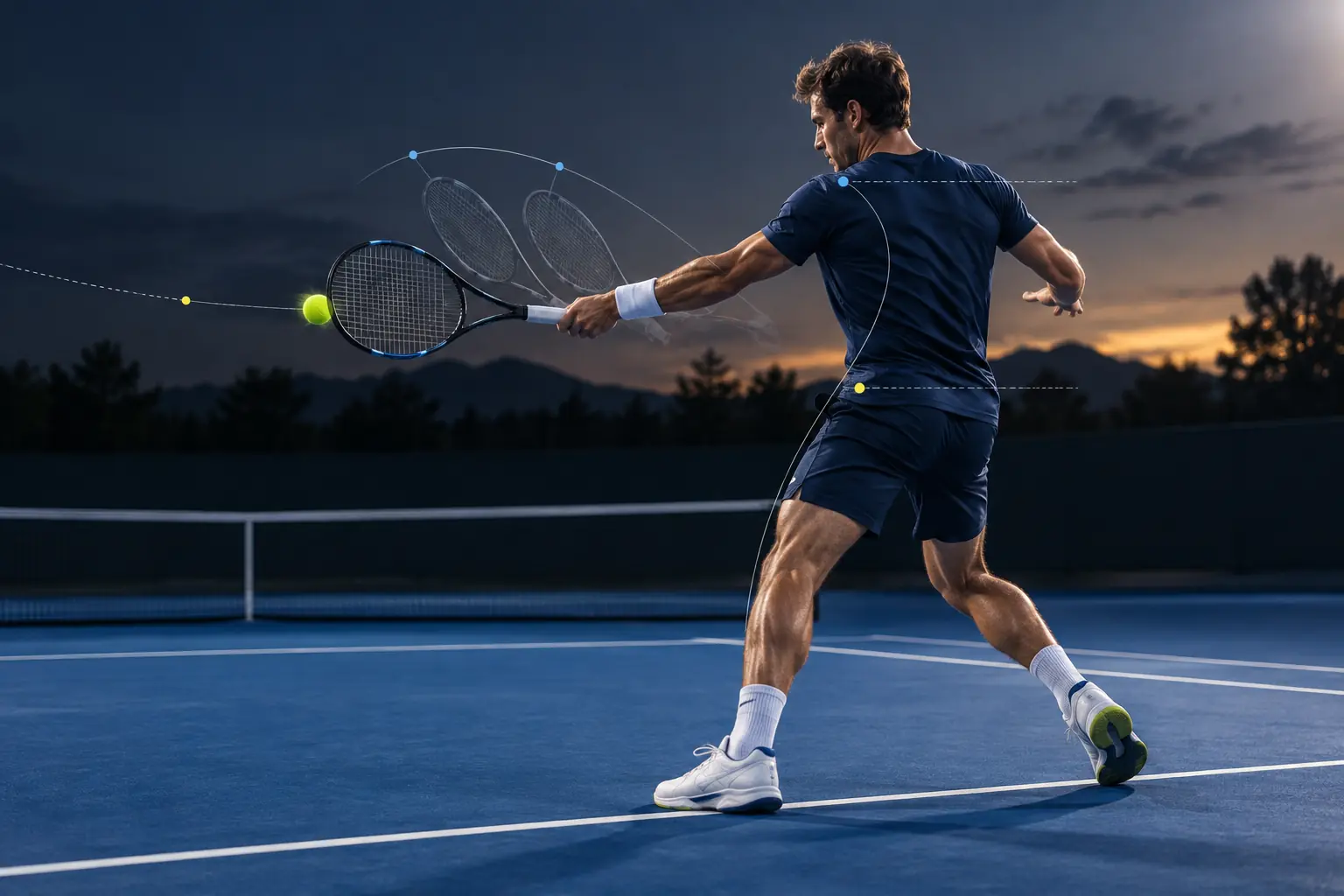
Try the private, on-device clip workflow now. Nothing is uploaded and no AI evaluation is generated while the review service is inactive.
Generic tips rarely explain what is happening in your movement. AI Tennis Check narrows the question before you practice again.
See nine still frames around one forehand, backhand, serve, or volley.
Turn visible details about spacing, balance, sequencing, and recovery into one practical focus.
Leave with a sharper question for your next practice or a coach who can see the full context.
For the clearest view: stabilize the camera, keep your full body and racket in frame, and film in good light. The adult pilot accepts only your own footage, with no minors or other people visible.
Your video stays on your device while you select the moment and create the nine-frame sequence.
Use the AI check to sharpen the question, then bring the full context to GEN Tennis remote coaching.